AI tools for product photos
Build a product image around the story you want to tell. Start with your product photo, then choose a tool for the background, a local edit, image clarity or a new composition. Each guide explains what to prepare and what to check before publishing.
Start for freeFind the right tool for your photo
If the setting distracts from your product, start with background removal or generate a new background. For a small change inside an otherwise useful photo, use the photo editor. Expand the scene when you need room around the subject, and use sharpening when you want to improve image clarity. Compare each result with the original product before using it in a listing.
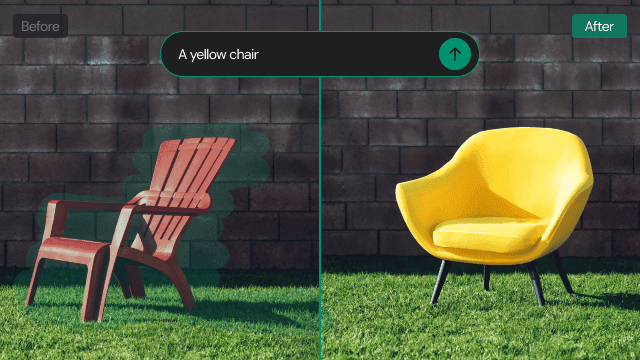
AI Photo Editor
Love the product photo but want to change a distracting prop? Brush over the area to remove an object, or describe what you want to replace or add.
Learn more →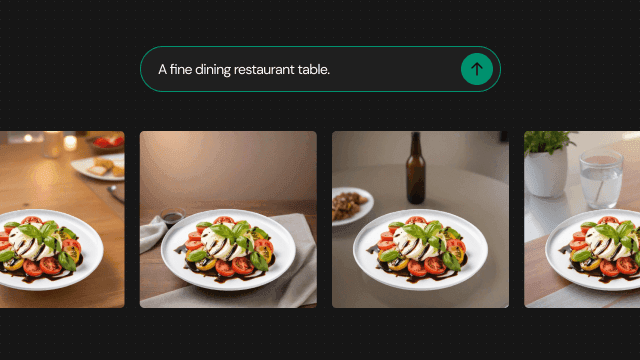
Text to Background
Describe the scene you have in mind, even without a reference photo. Use words for the setting, surface and lighting to create a new background around your product.
Learn more →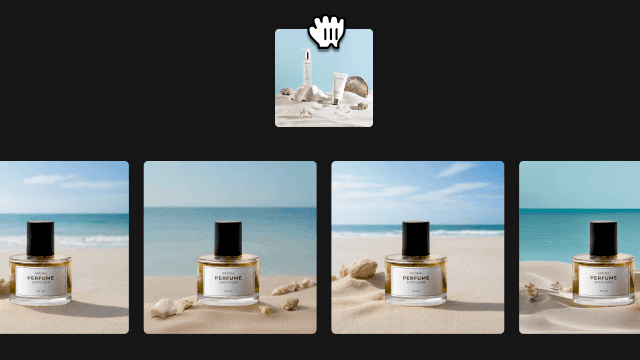
Image to Background
Show the atmosphere that is difficult to put into words. Prepare your product photo and a reference image, then explore a new background inspired by its look and feel.
Learn more →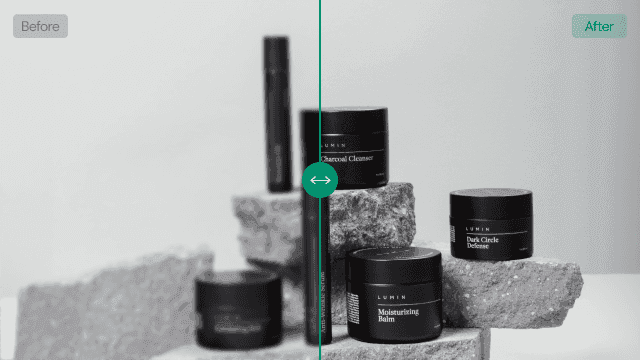
AI Image Sharpener
Want to use a product photo at a larger size but need more clarity? Try AI image enhancement with 2x or 4x upscaling. Availability of 4x depends on your plan.
Learn more →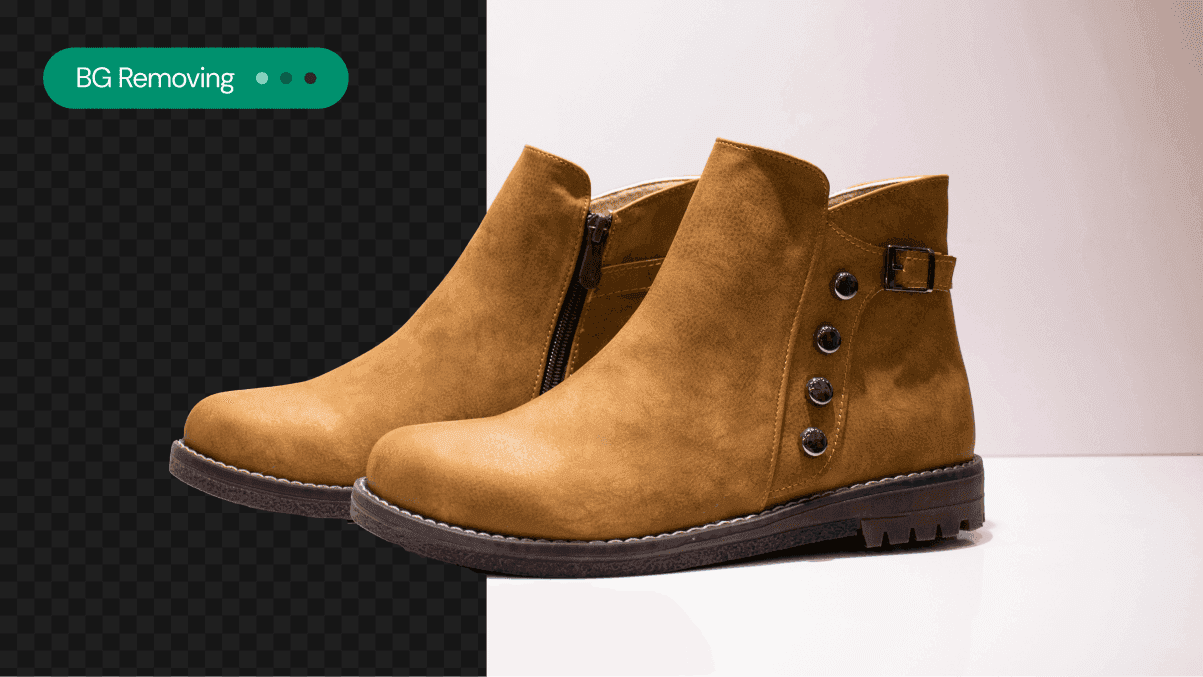
Background Remover
Is the setting drawing attention away from your product? Use AI Background Remover to separate the subject and prepare a starting point for its next scene.
Learn more →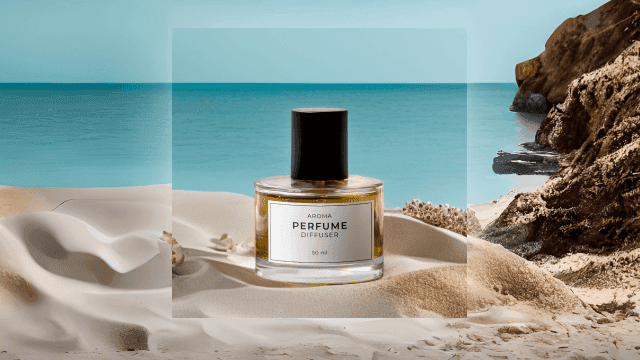
Generative Expand
Need more room around your product without cropping it out? Use Generative Expand to fill beyond the original photo and explore a composition with the aspect ratio you need.
Learn more →Ask the AI photo chatbot in your own words
You can also work through the AI photo chatbot in the Photio app. Upload your product photo and describe the background, local edit, wider composition or quality improvement you need. Try a request such as ‘Place this bottle on a warm wooden table’ or ‘Leave more space around the product.’ Review the result, then explain what you would like to adjust. Use the guides above to choose a starting point when your request needs more detail.
Start for freeGive your product photo its next look
Open Photio with a photo and an idea. Review the result against your product, then refine the background, details or composition for the place you plan to use it.
Start for free