From backgrounds to touch-ups
AI product photo editing
Change backgrounds and remove or replace selected areas in product photos you’ve already taken. You can also describe your edits in chat.



 Photio.official···


Trusted by


Companies Planningo has worked with
Planningo, the team behind Photio, worked with these companies through Lookbook, our fashion AI.



AI Tools
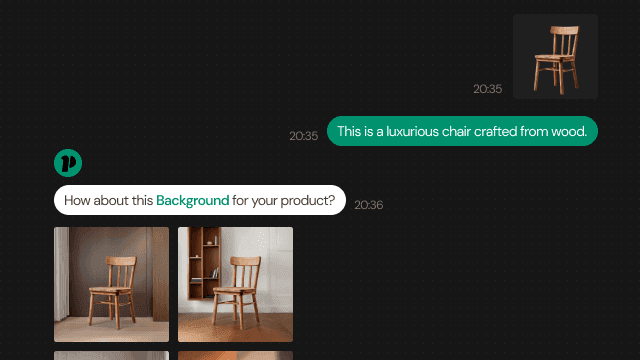
AI Photographer
Ask to create backgrounds, retouch details, expand the frame or improve image quality. Keep refining your photos as you chat.
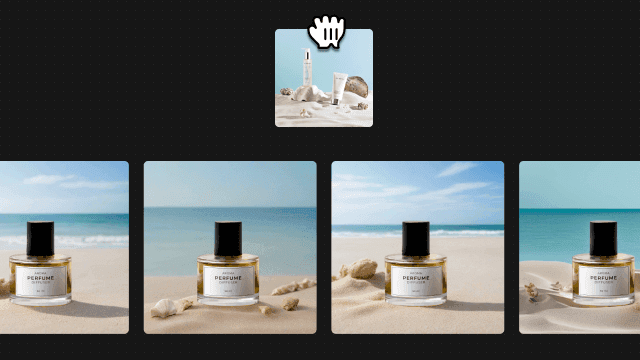
Image to Background
Upload a reference photo to generate a background with a similar mood.
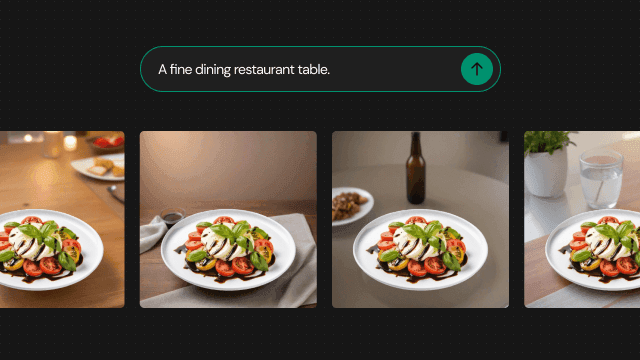
Text to Background
Describe the background you want, and AI will generate one based on your description.
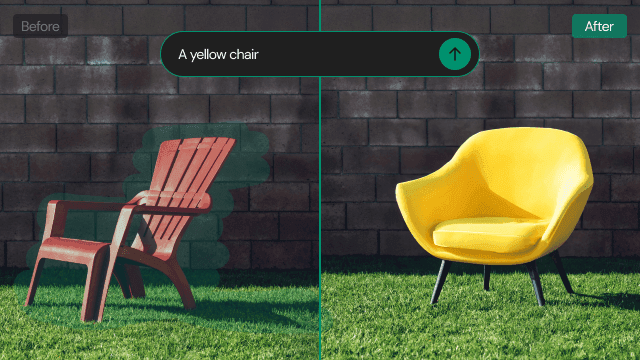
Erase or Replace something
Brush over the area you want to remove or replace.
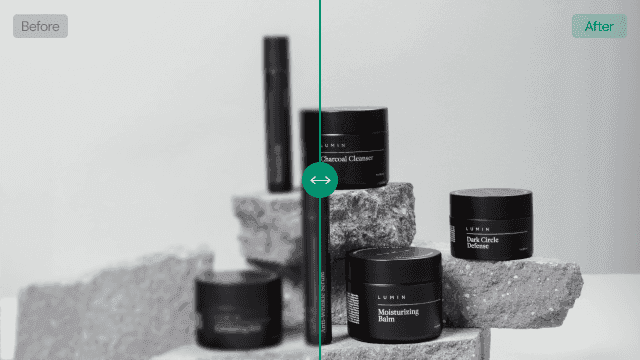
Enhance Quality and Resolution
Upscale your photos by 2× or 4×.
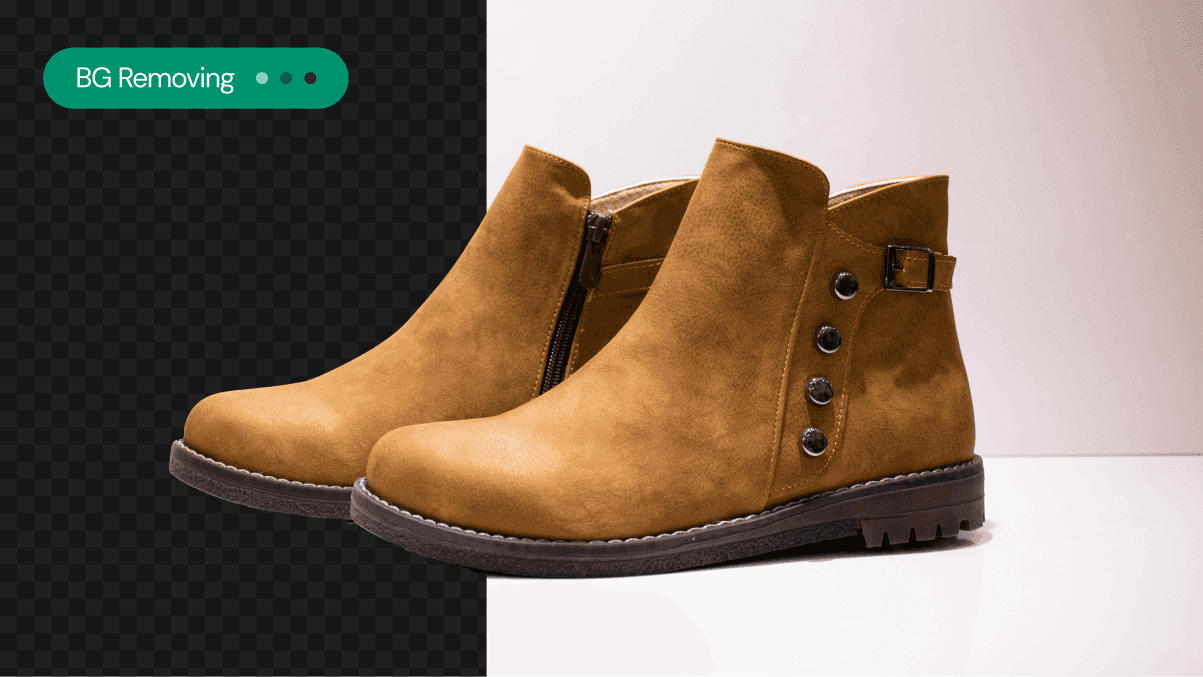
Remove Background
Remove the background from your product photo.

Generative Expand
Upload a photo and expand it externally. By utilizing Generative Expand, you can generate the unseen parts of the image, allowing for flexible resizing.
We asked customers : Why choose Photio?
Read reviews from customers who paid for Photio themselves.

It feels like getting multiple reshoots for free.
Lifestyle Products Brand D
No more worrying about time and money for product shoots.
Furniture Brand H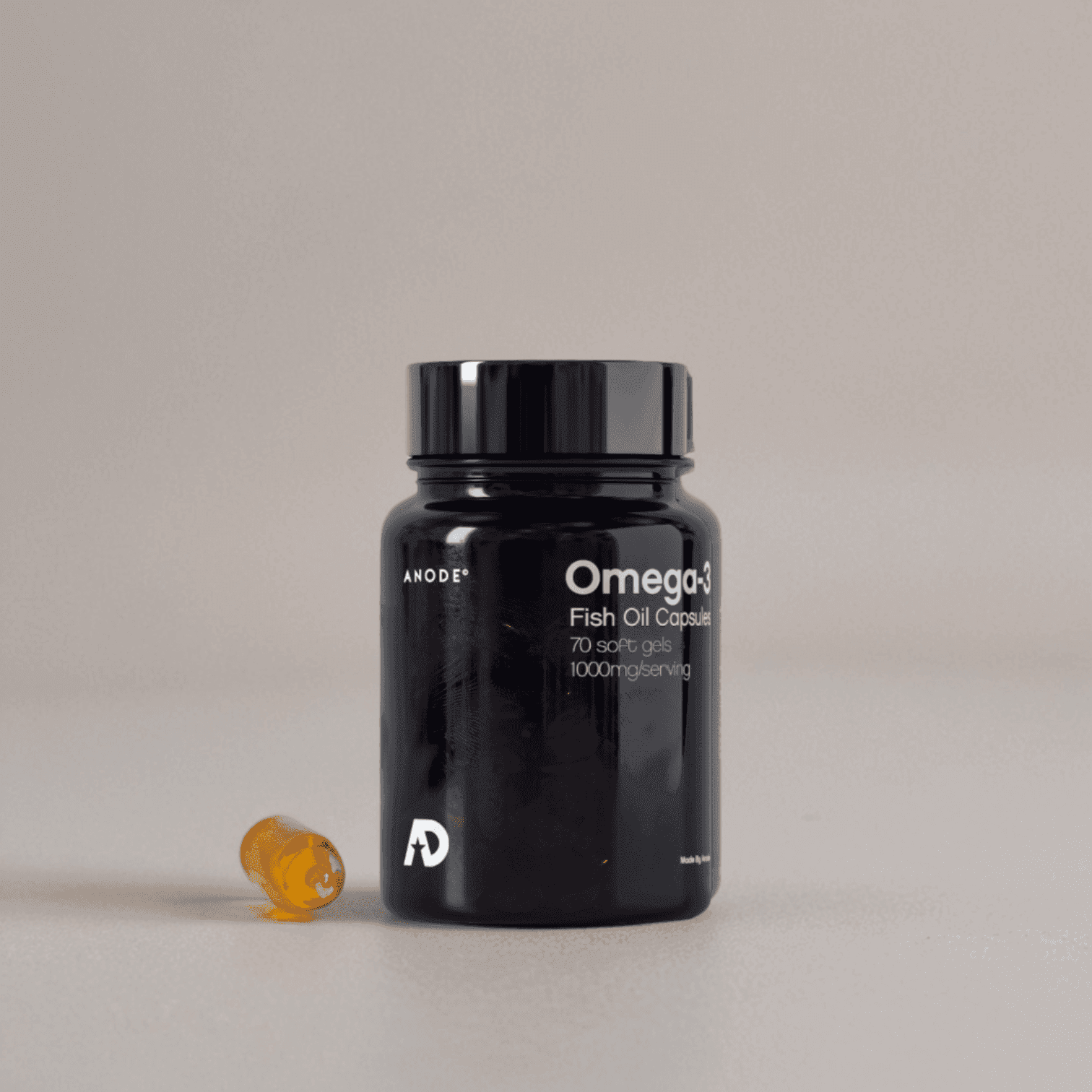
Reduced time spent worrying about product photography.
Pharmaceutical Brand B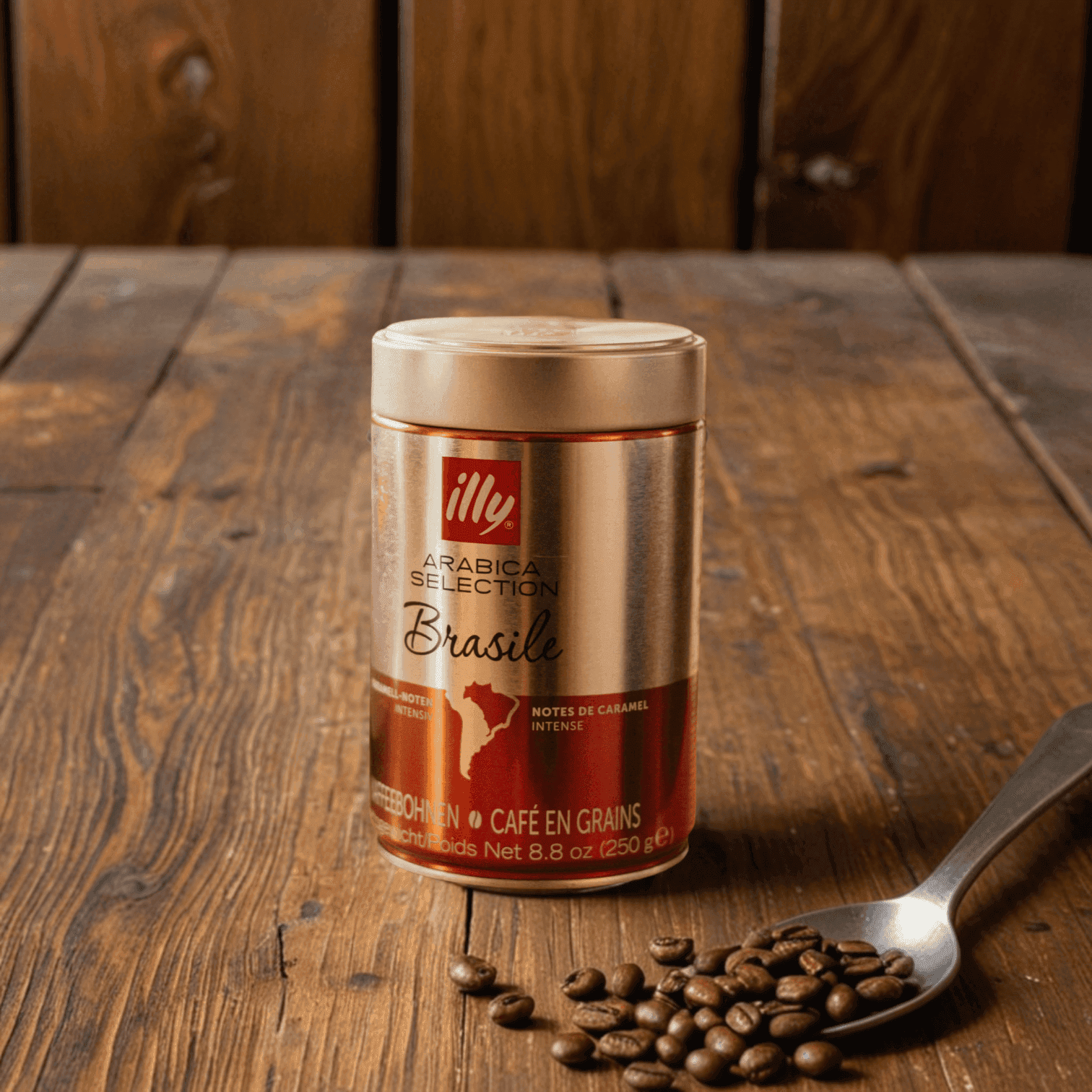
Shoot and use immediately.
Marketing Agency C
Even if the results are disappointing, you can keep shooting.
Cosmetics Distributor A
Studios took 2 weeks, but Photio delivers instantly.
Pharmaceutical Distributor S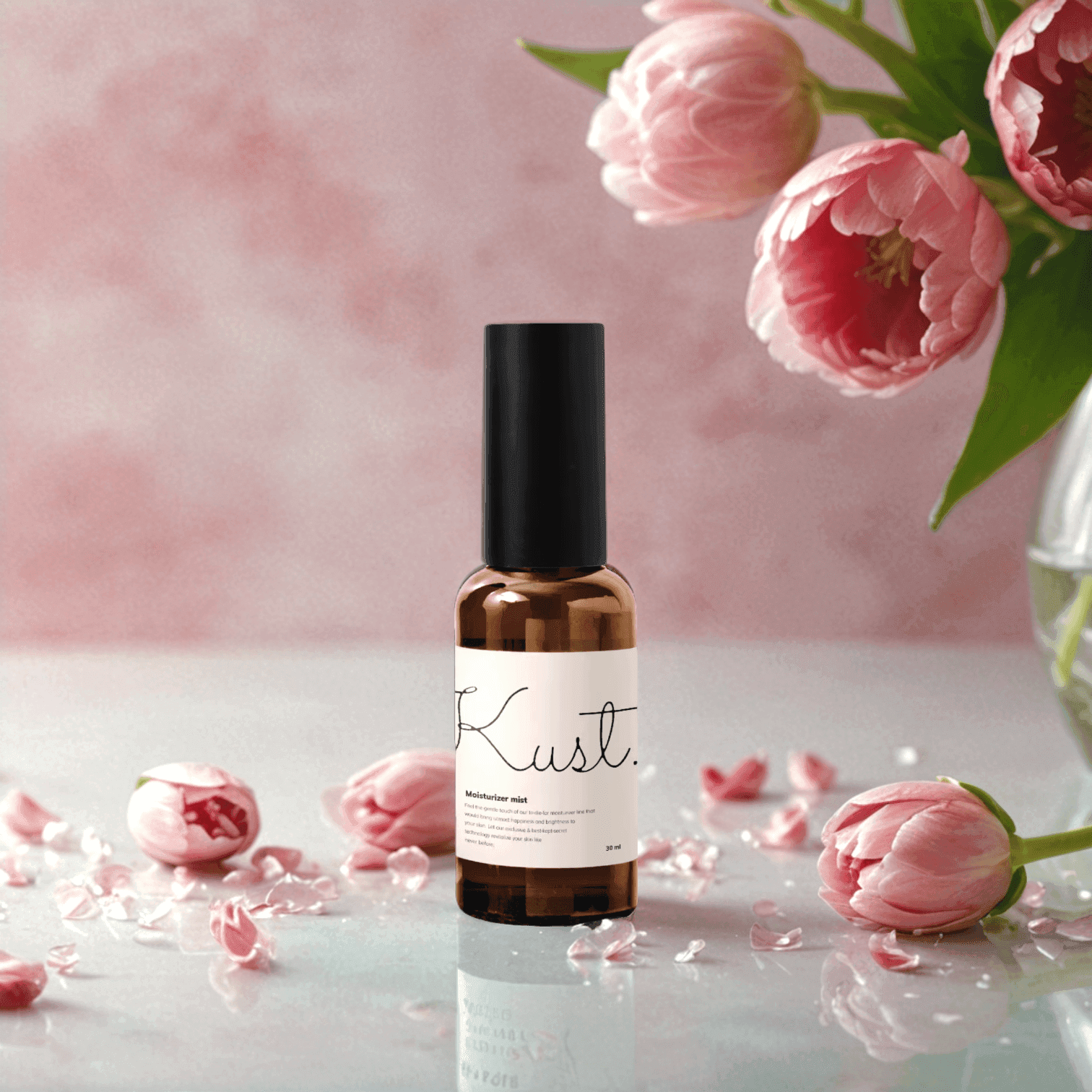
It saves time comparing studio providers.
Cosmetics distributor J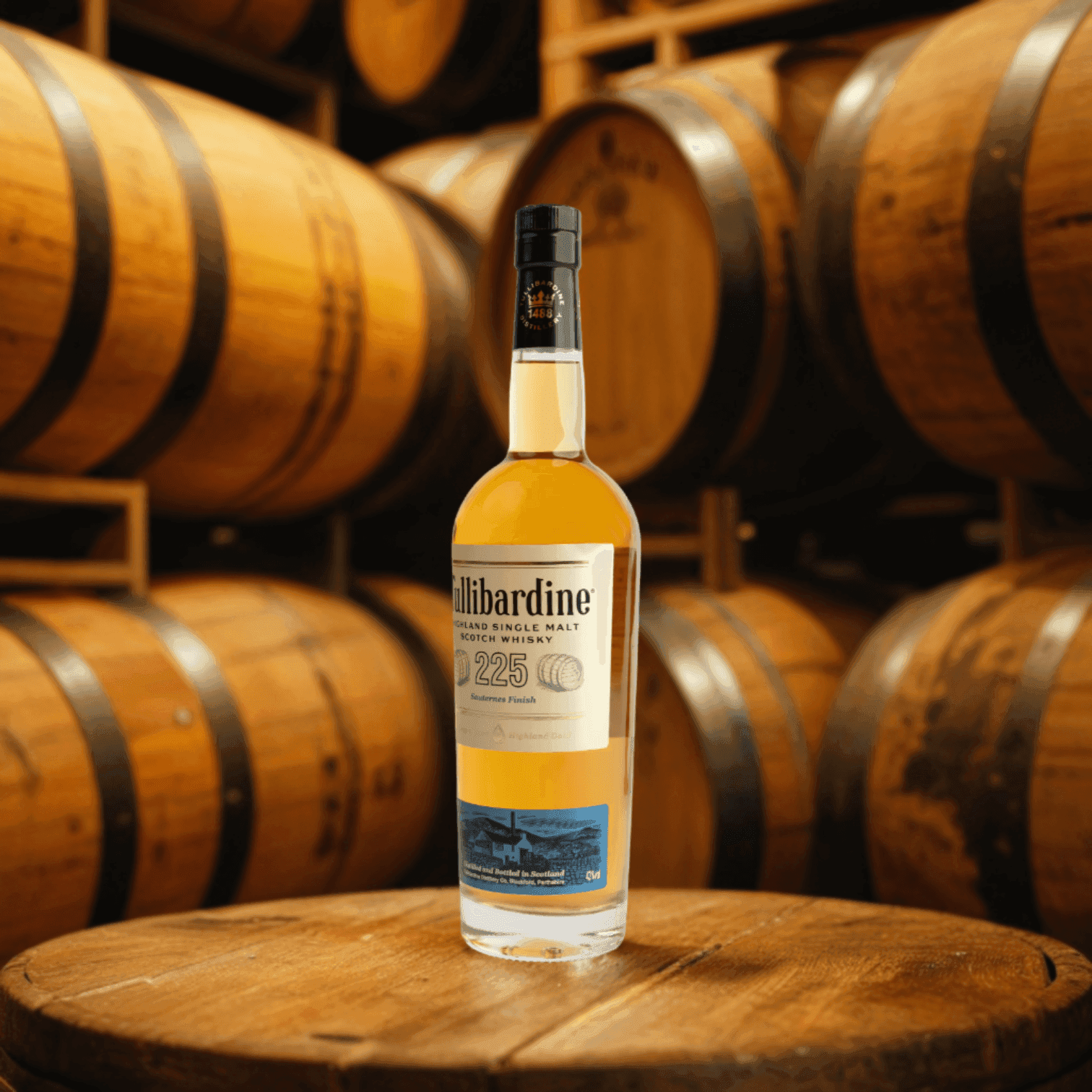
The cost of product photography has been greatly reduced.
Distilled Spirits Brand KFAQ
Photio is an AI product photo editor. Create backgrounds, retouch details, expand the frame and improve image quality for your store and social media.
Upload a product photo and describe what you want to change. The AI chatbot helps you create backgrounds, retouch details, expand the frame and improve image quality. Keep refining the photo as you chat.
Upload your product photo, then describe the background you want or add a reference photo. AI will generate a background based on your input.
Yes, you can use Photio for free. To download photos without watermarks, upgrade to the Basic or Pro plan. 4K upscaling is available on the Pro plan. For more details, please refer to the pricing page.
Yes, images generated by Photio AI are available for commercial use. Generated images will initially display with a watermark. Feel free to use them for product promotion on detailed pages, thumbnails, social media, etc. To download photos without watermarks, you'll need to upgrade to the Pro plan. For more details, please refer to the pricing page.
Bring a product photo to edit. AI can help remove or create backgrounds, retouch details, expand the frame and improve image quality.
For optimal results, you should upload a photo taken from the front. High-quality product photos can be achieved when the picture is taken under bright lighting, and the product is distinctly separated from the background. Aim to minimize distortion by zooming in from a distance when capturing the product. The higher the quality of the product photo, the better the outcome will be. If possible, avoid uploading low-resolution product images.
Create backgrounds, retouch details, expand the frame and upscale photos in one place. You can also request edits in chat.